The route planner
that knows your battery.
Describe a trip in plain language — or just say it out loud — and IONIQ Telemetry plans your charging stops around your battery's real state of health, temperature and charge, read live from the car. For Hyundai Ioniq 5, Ioniq 6, Kia EV6, EV9 and Genesis GV60. All on-device.
Describe a trip in plain language and IONIQ Telemetry plans your charging stops around your battery's real state of health, temperature and charge, read live from the car. For Hyundai Ioniq 5, Ioniq 6, Kia EV6, EV9 and Genesis GV60. All on-device.
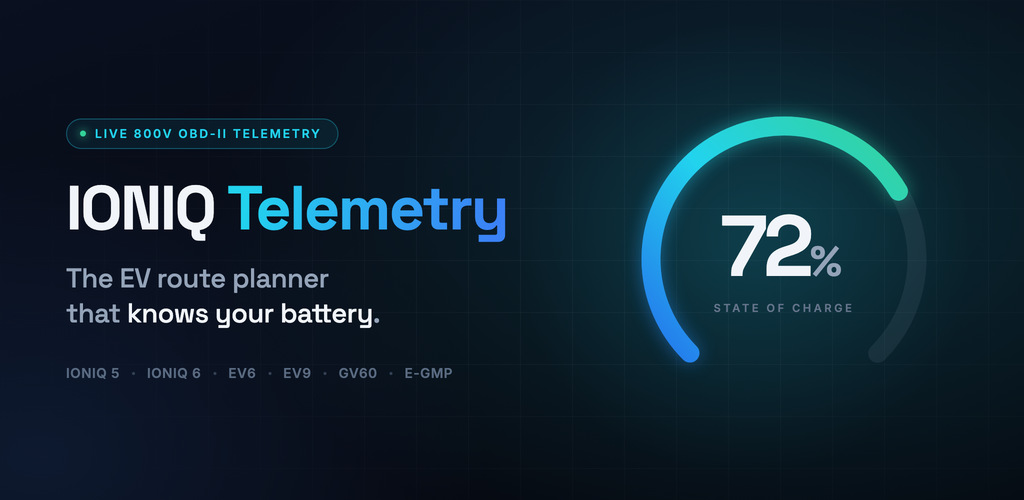
Plan trips by talking to your car.
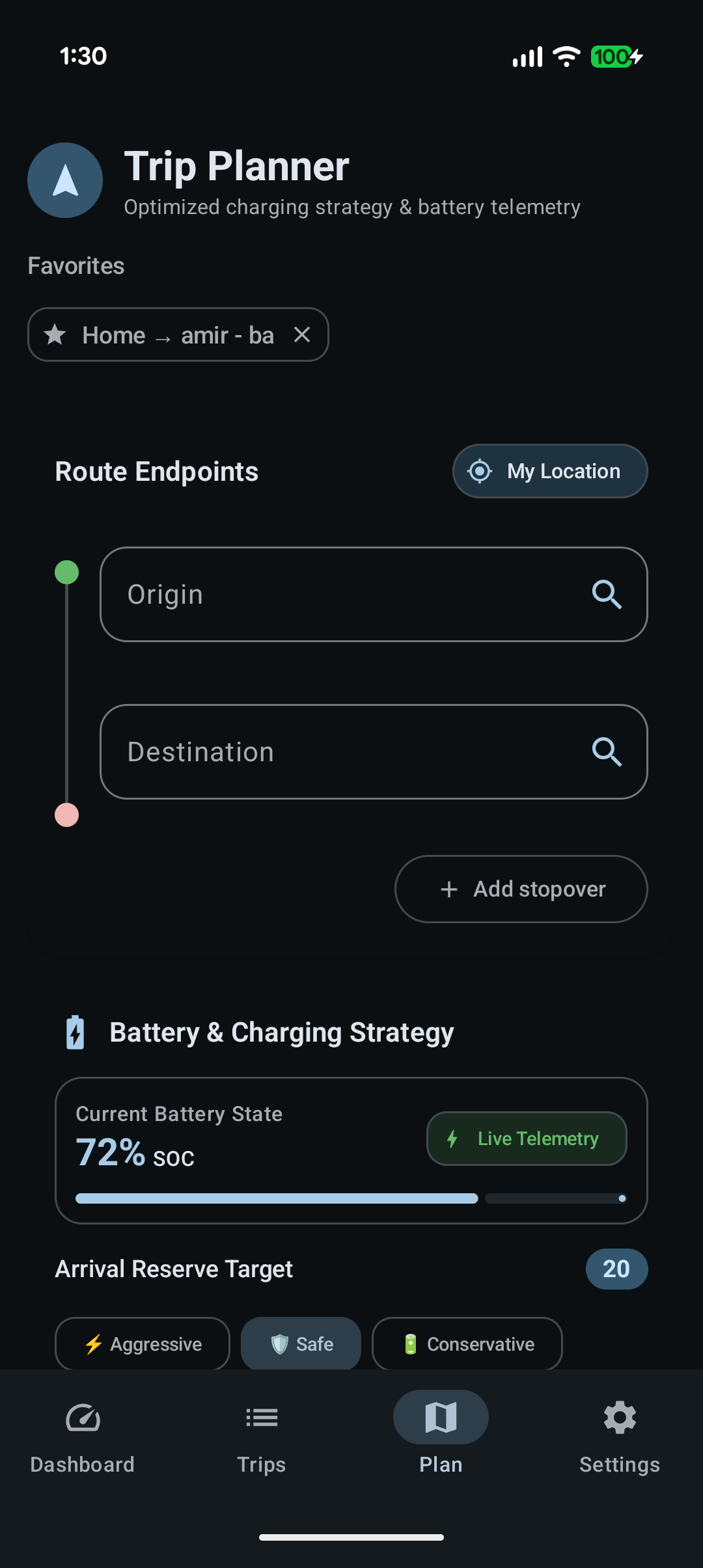
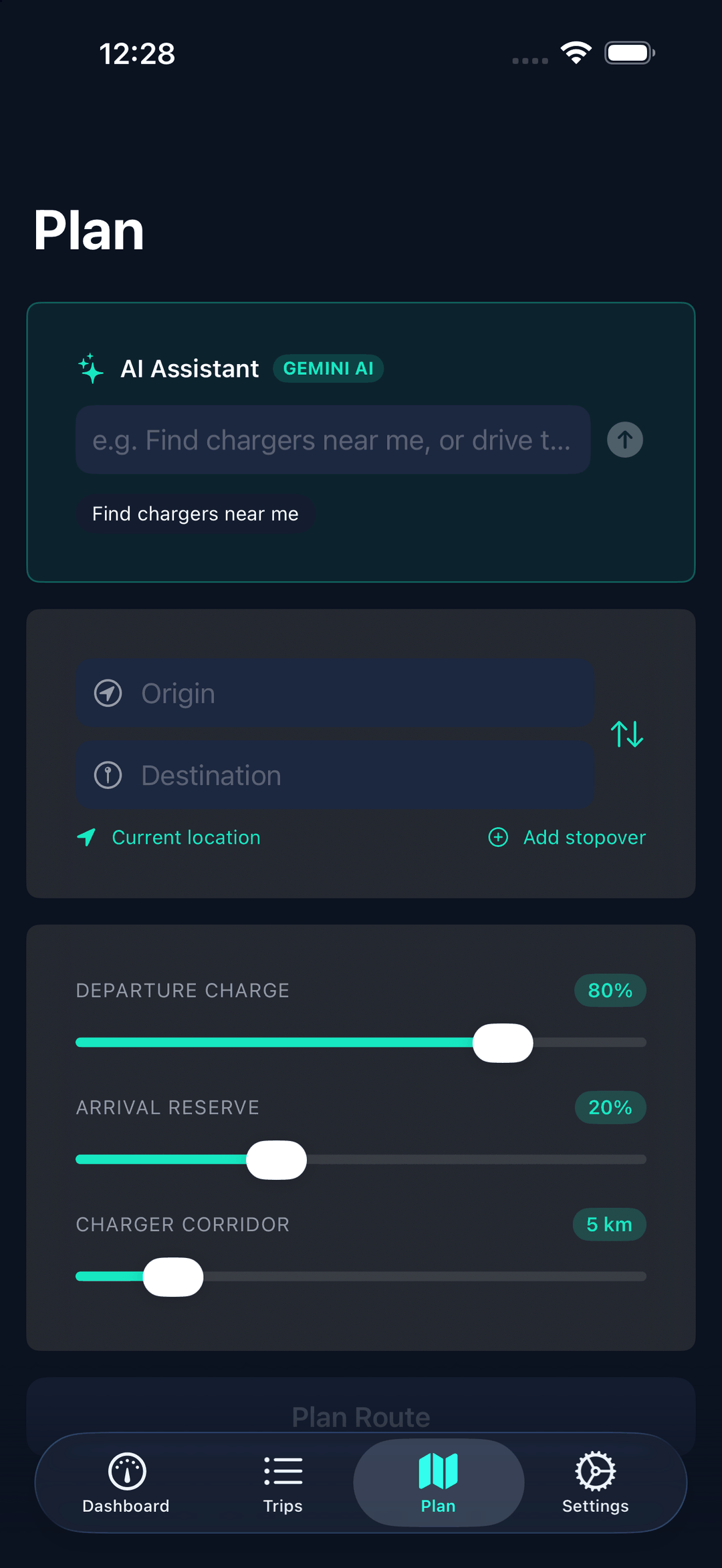
Plan trips in plain language.
Bring-Your-Own-Key Gemini AI plans your route and answers questions — grounded in live vehicle data. No subscriptions, no cloud lock-in. Your key, your data, your car.
Conversational Trip Planning
Just describe it — "drive to Penang, stop in Ipoh, arrive with 30%." AI reads your intent and fills the route; the on-device solver picks the charging stops from real charger data. The AI never guesses chargers, and the plan factors your live SOC and battery health.
Ask Out Loud, Hear It Back
Tap the mic and speak your trip or your question — the answer is read back aloud through the car speakers. The AI lives on the phone; the car screen stays a glanceable read-only display.
Type It, Get a Plan
Write the trip the way you'd say it and the planner fills in the route. The AI lives on the phone; the car screen stays a glanceable read-only display. Voice input is Android-only for now.
Voice Assistant
AI Assistant
Ask by voice or by typing, on the phone. Range to your next stop, whether you can skip it, whether a temperature is worth worrying about — answered from live data: state of health, cell balance, temps, and your active plan.
Ask in plain language, on the phone. Range to your next stop, whether you can skip it, whether a temperature is worth worrying about — answered from live data: state of health, cell balance, temps, and your active plan.
Cell Anomaly Detector
On-device algorithm watches cell variance (ΔV > 50mV) and module thermal bounds (5–45°C) to flag degradation before it strands you.
BYOK Privacy
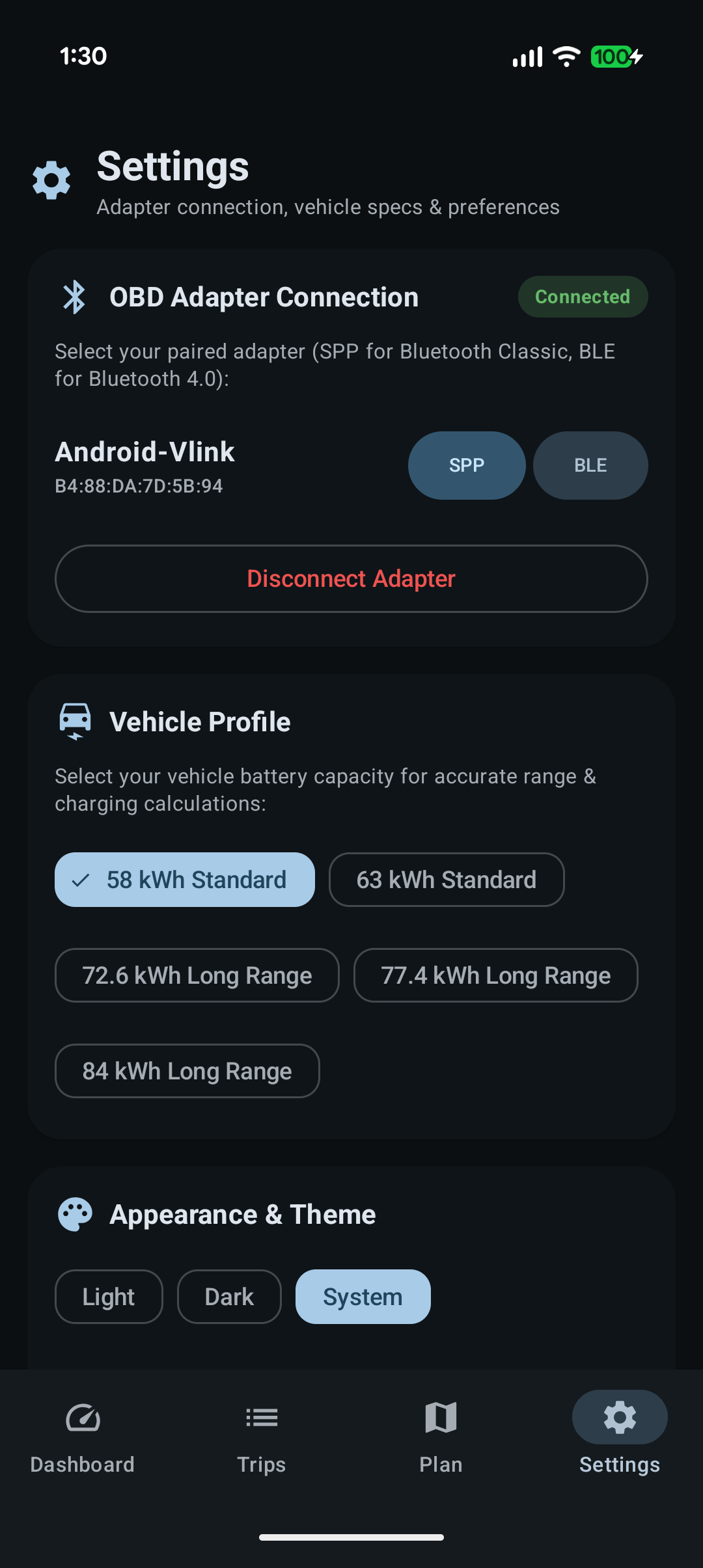
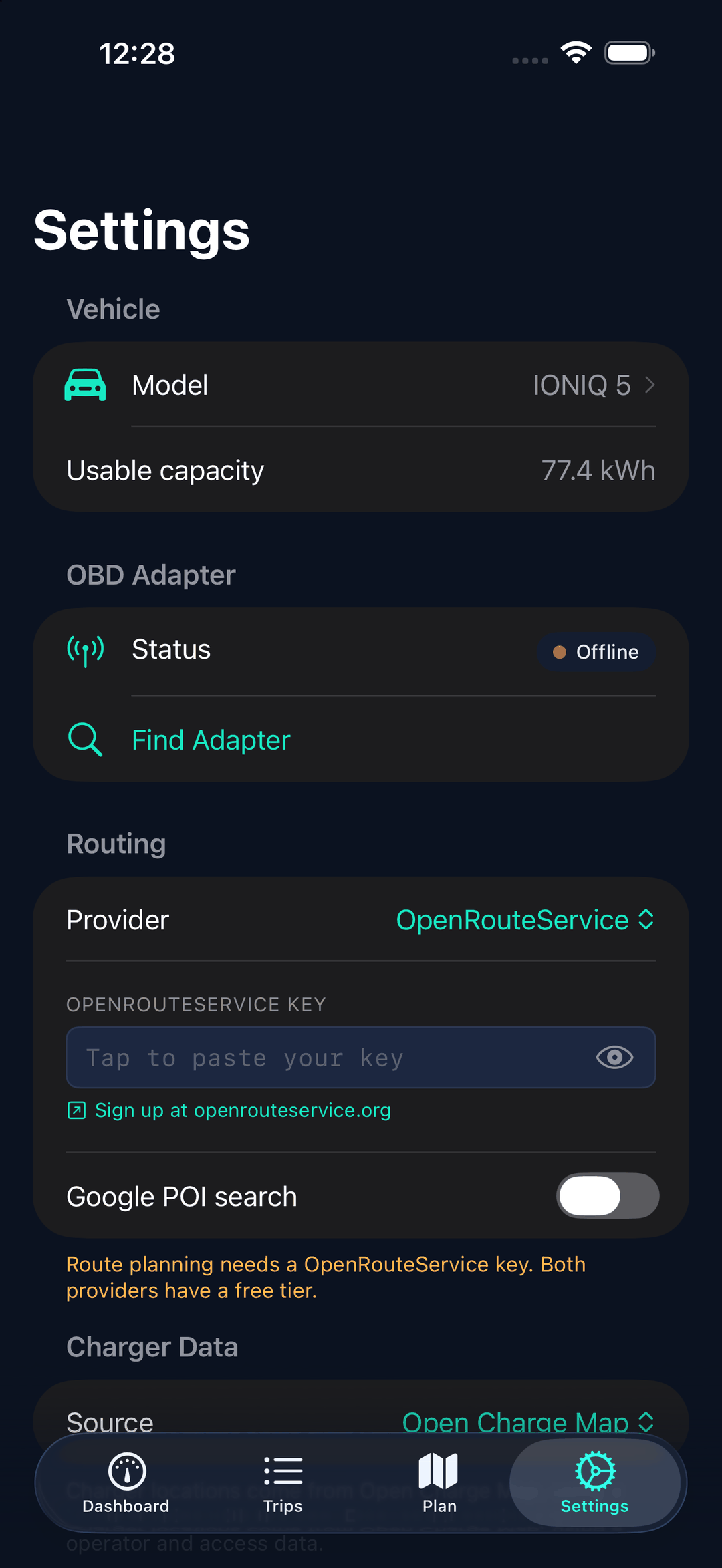
Your Gemini and routing API keys stay on your device in private app storage, and never reach a server of ours. We ship no keys of our own, so every request runs on your own free quota — nothing to bill, nothing to meter. No middleman, no telemetry selling, no accounts.
Why the AI can be trusted.
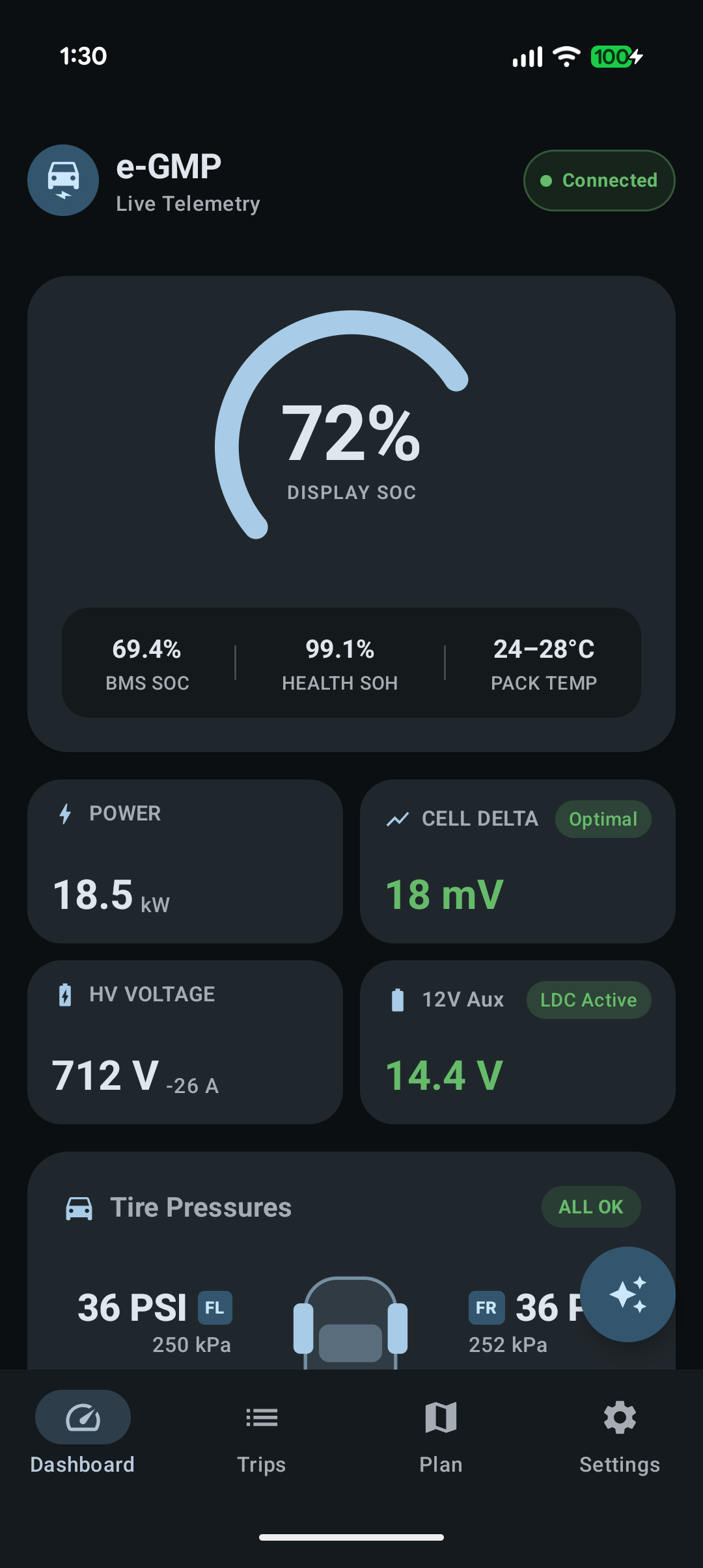
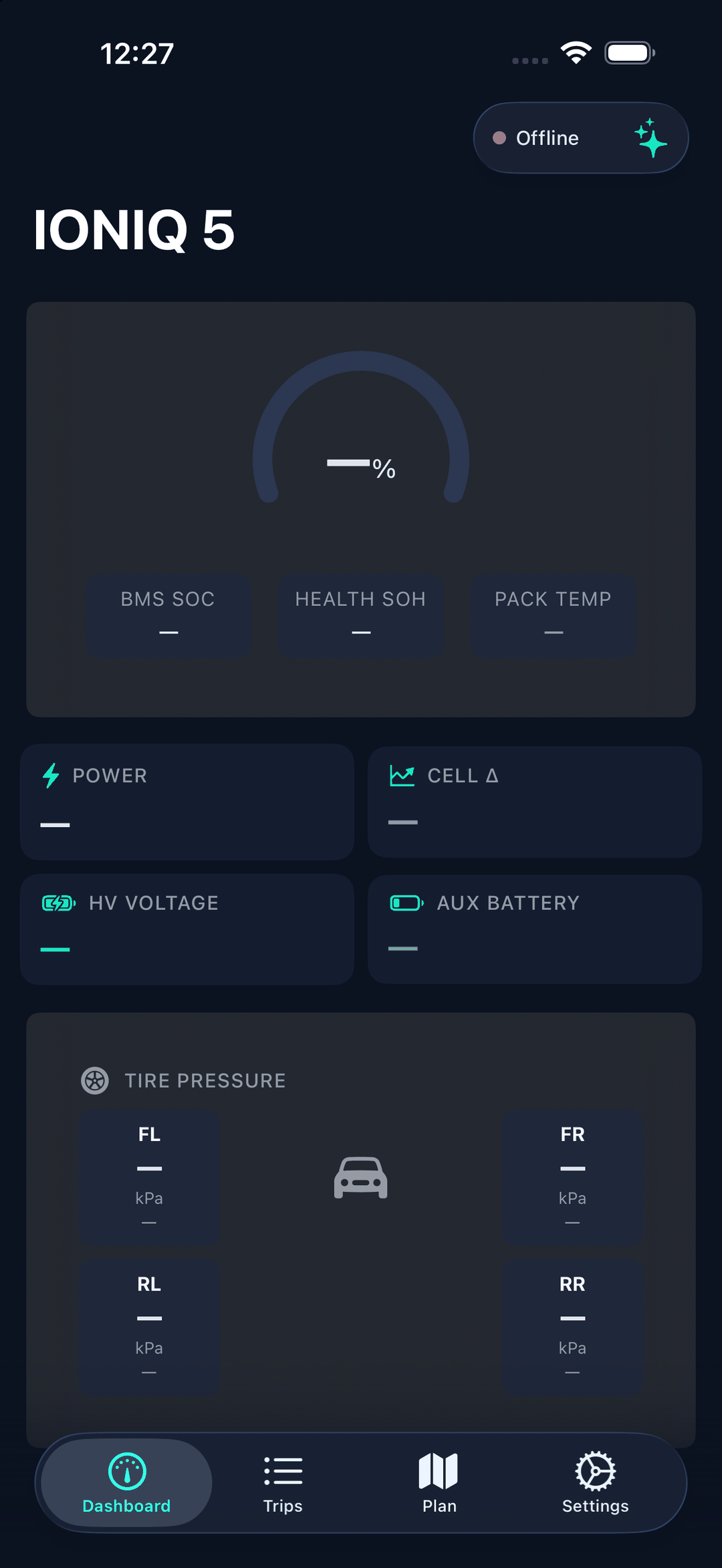
The planner and Assistant aren't guessing — they read the same live 800V CAN data the app decodes directly from your car. Real SOH, cell balance and temps, not estimates.
800V Pack & Cell Health
BMS SOC, coulomb-counted SOH, max cell delta variance, and per-module temperatures — the full picture of pack longevity.
Live Charge Curve
Real-time kW graphing for AC Level 2 and 350kW DC fast, with target timers for 80% and 100% SOC.
12V Aux Guard
Rest voltage classification and LDC charging alerts prevent the classic E-GMP 12V drain failure.
EV Route Solver
Dynamic consumption model factoring speed, grade, payload, and HVAC — with 1-tap handoff to Google Maps.
Dynamic consumption model factoring speed, grade, payload, and HVAC — with 1-tap handoff to Apple Maps or Google Maps.
Android Auto Display
Apple CarPlay Display
A four-tile glanceable grid on the car screen, with drill-downs to battery health, charging timers and trip history.
Four tabs on the car screen — vehicle, charging, a nearby-charger map and trip history — each one glanceable and read-only.
On-Device Privacy
All data stays on your phone. No cloud mandates, no tracking, zero telemetry selling.
Four numbers. One glance.
Four tabs. One glance each.
Android Auto gets a deliberately small surface: the four values worth reading at 80 km/h, and nothing that asks you to think. Everything else is one tap away, for when you're parked or plugged in.
CarPlay gets a deliberately small surface: four tabs, each one readable at a glance and none of them asking you to think. Anything that needs attention waits until you're parked or plugged in.
- Four-tile grid — SOC, range, power flow, battery health
- Charging Lounge — live kW, time to 80% and 100%
- Battery Health — pack temps, cell imbalance, 12 V rail
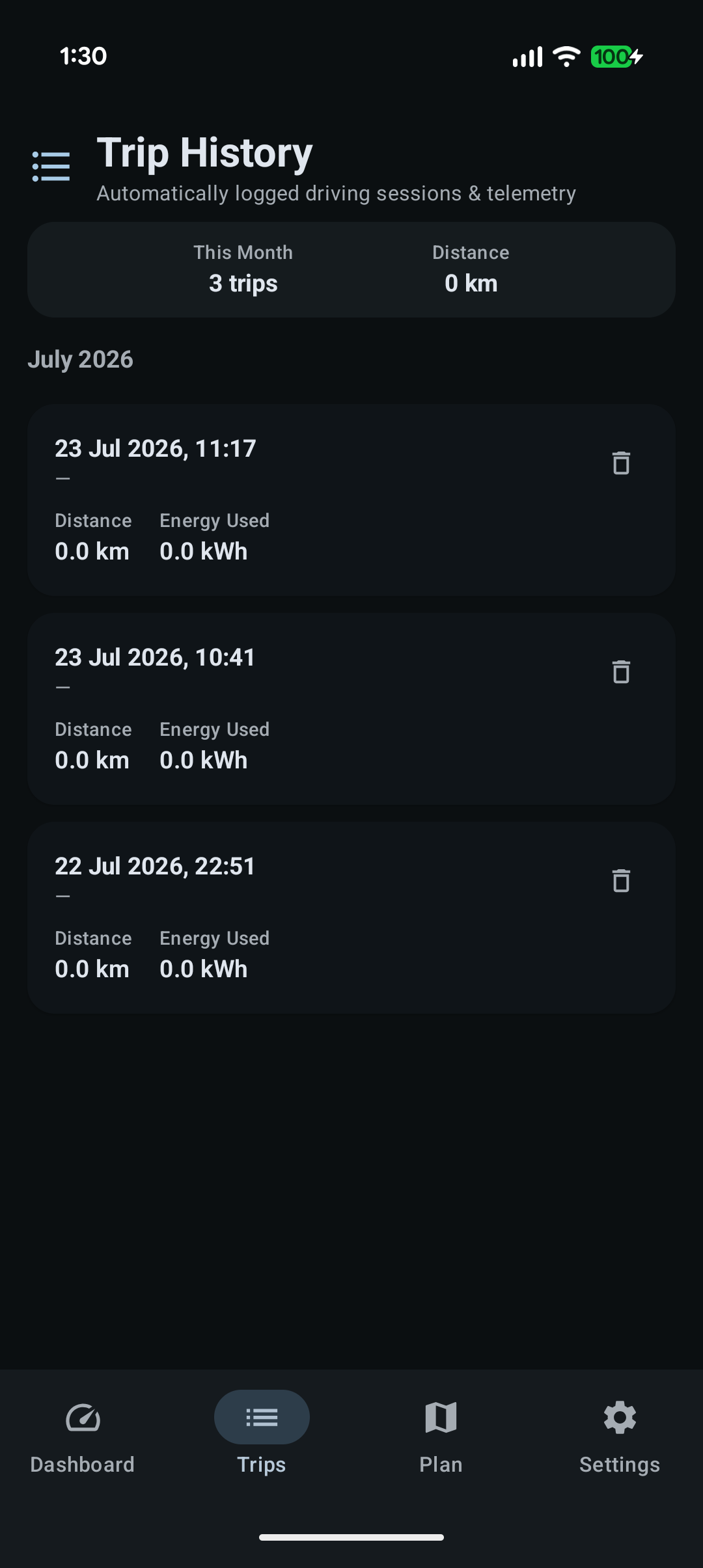
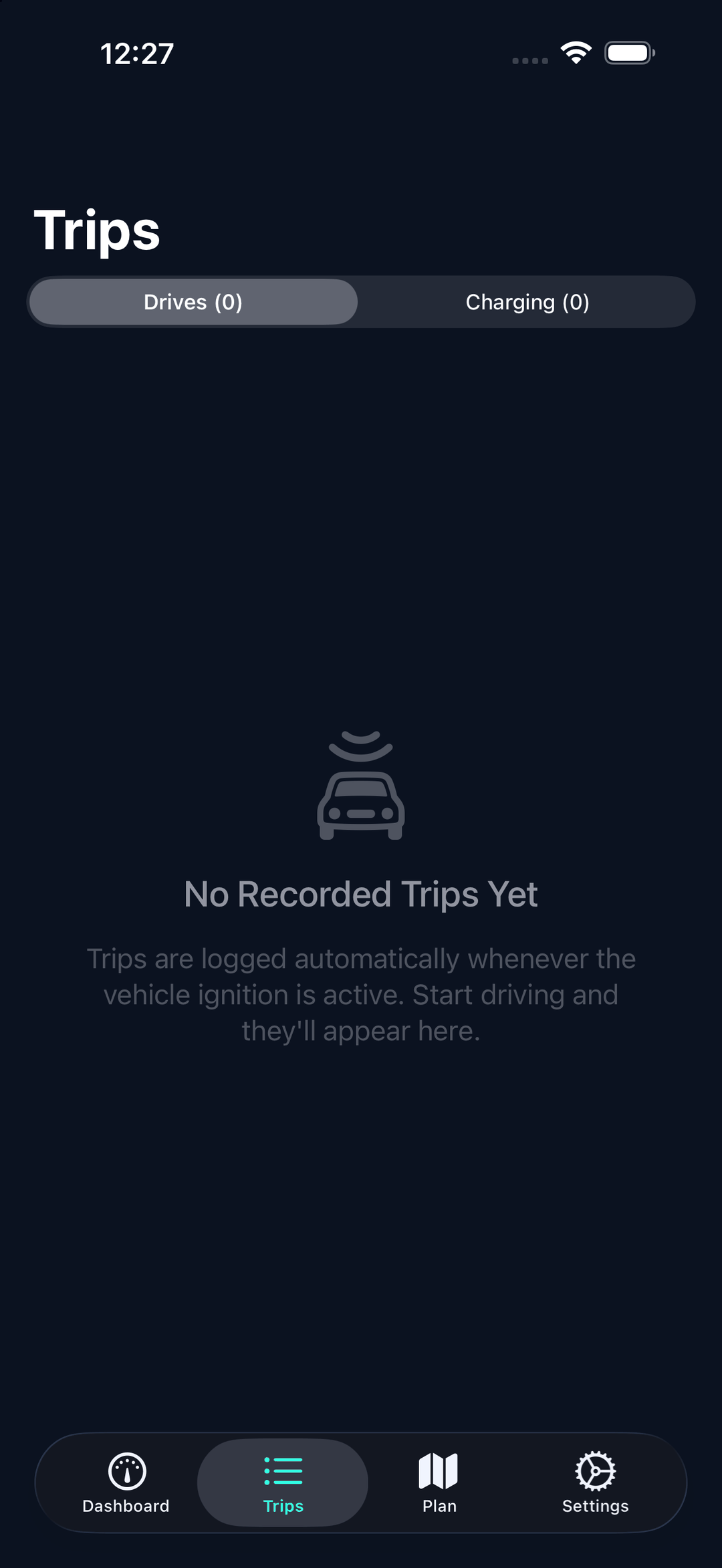
- Trip history with per-trip efficiency, on the car screen
- Read-only telemetry — the app never writes to the CAN bus
- Vehicle — charge, range, power, battery health, pack temp
- Charging — live kW, time to 80% and 100%
- Chargers — nearby stations on the map, with power and price
- Trips — recent drives and their efficiency, on the car screen
- Read-only telemetry — the app never writes to the CAN bus
 IONIQ 5
A recreation of the app's actual Android Auto grid. The surrounding car UI — status bar, navigation bar, fonts and spacing — is drawn by Android Auto itself and varies by head unit.
IONIQ 5
A recreation of the app's actual CarPlay tabs. The surrounding car UI — status bar, fonts and spacing — is drawn by CarPlay itself and varies by head unit.
Designed for the dash.
Material 3 with glassmorphism depth — readable at a glance, beautiful at a standstill.
Native SwiftUI, dark by default — readable at a glance, beautiful at a standstill.
Ready to plan your next trip out loud?
Ready to plan your next trip?
Join the internal testing track on Google Play. Free to join, no subscription, no cloud account — the app is free, with an optional one-time Pro unlock.
The iPhone app is in review with Apple. No subscription, no cloud account — free, with an optional one-time Pro unlock.
Get Early Access on Google Play Coming to the App Store